Affordance in UX Design – How to Use Affordances and Signifiers [Date Accessed: 10 December 2023]
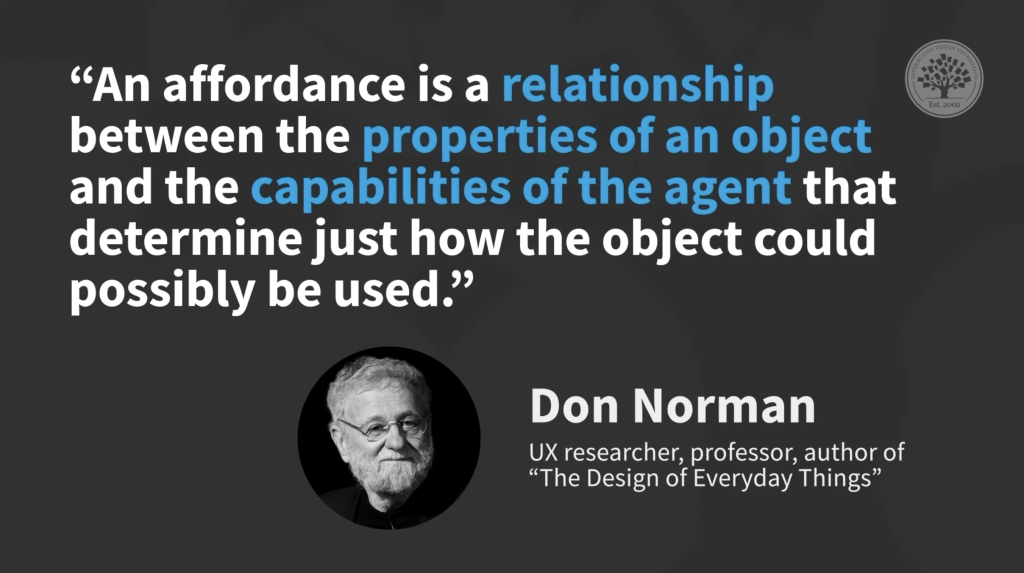
In the quest for effective and pleasurable designs, understanding the concept of “affordances” becomes crucial. Affordances, as explained by design expert Don Norman, refer to the relationship between an object and an agent, determining the possible actions that can be performed.
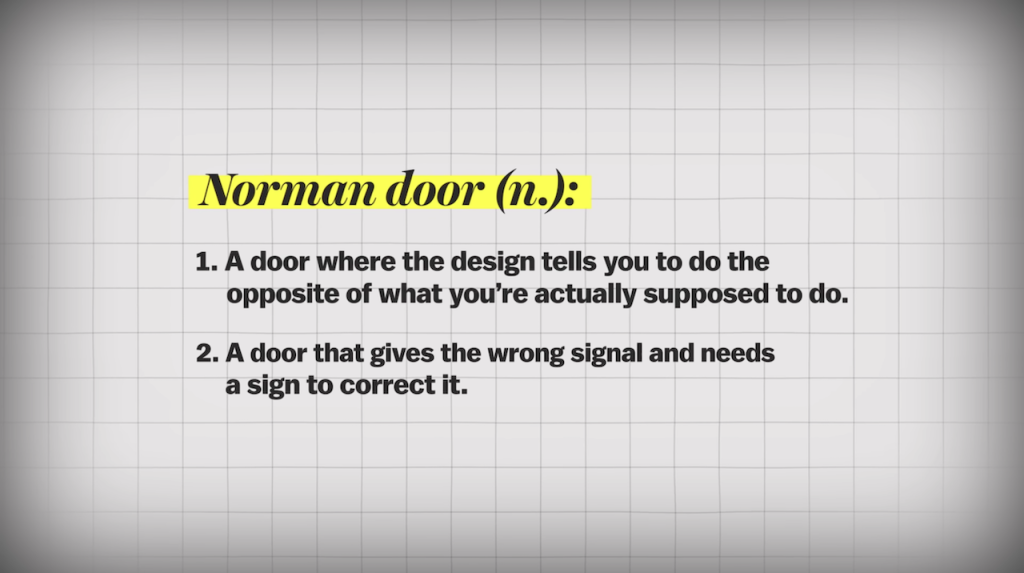
Norman illustrates this through the example of doors, particularly those he dubs “Norman doors” — doors that confuse users with their design.
Norman emphasizes two fundamental design principles: discoverability and feedback. Discoverability involves making it obvious what operations can be performed when interacting with an object, eliminating the need for instruction manuals. Feedback ensures users understand what happened and why during an interaction.


It’s not you. Bad doors are everywhere. Available from: https://www.youtube.com/watch?v=yY96hTb8WgI [Accessed: 10 December 2023]

Affordances define what actions are possible based on the agent’s capabilities and the object’s properties.

Signifier is another key concept that plays a crucial role in communication, guiding users on how to interact with a product.
Design of Everyday Things – Affordances & Signifers. Available from: https://www.youtube.com/watch?v=UtulTXJLGOI [Accessed: 10 December 2023]
Taking a broader perspective, the application of design principles extends beyond physical objects to digital interfaces and even life choices. Tim Brown, CEO of IDEO, emphasizes the value of design thinking, which is to reframe problems and understand user needs. It provides thinking tools applicable to various scenarios, making individuals, whether business professionals or artists, better problem solvers.
In the realm of technology, invisible signifiers guide user interactions, raising questions about good versus bad design. Cars equipped with smart features exemplify how design can simplify actions. Norman’s exploration of a car door showcases how affordances and signifiers contribute to a seamless user experience.
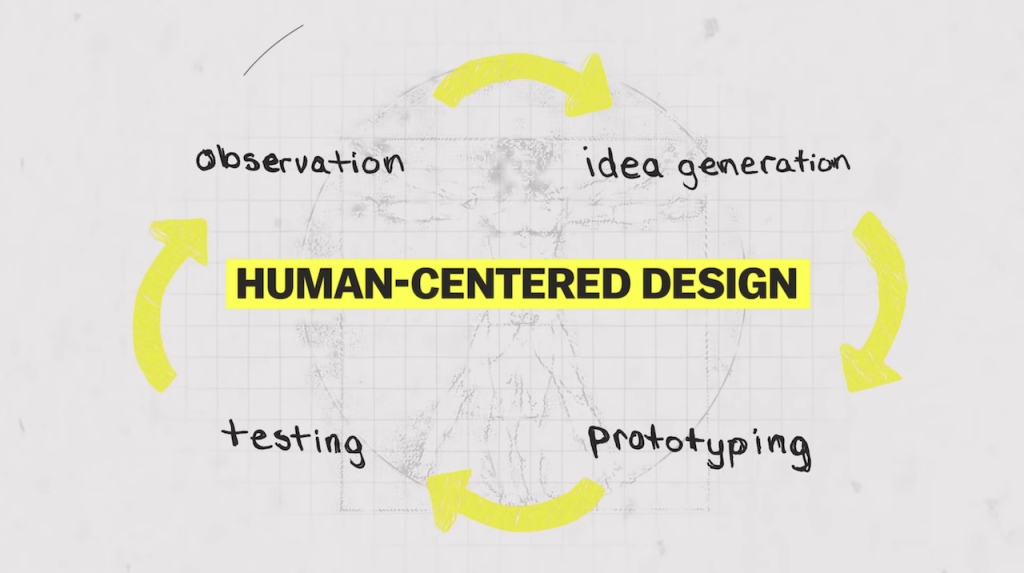
Ultimately, good design extends beyond individual products to encompass entire systems, including packaging, manuals, and user interfaces. Norman and Brown’s teachings underline the significance of human-centered design, ensuring products and experiences align with users’ capabilities and expectations. It is also worth noting that design is a pervasive aspect of our daily lives, influencing how we interact with and perceive the world around us.
It’s not you. Bad doors are everywhere. Available from: https://www.youtube.com/watch?v=yY96hTb8WgI [Accessed: 10 December 2023]
Affordances of an iPad:
- Touch Interface: The iPad’s primary affordance is its touch-sensitive screen, allowing users to interact directly with the device using gestures like tapping, swiping, and pinching.
- Digital Imaging: The iPad affords the capturing and storing of digital images through its built-in cameras, enabling users to take photos and videos.
- Multimedia Consumption: With a vibrant display and powerful speakers, the iPad provides an excellent platform for consuming multimedia content, such as watching videos, listening to music, and viewing photos.
- Productivity Applications: The iPad comes equipped with a variety of productivity apps, affording users the ability to create documents, spreadsheets, and presentations, enhancing productivity on the go.
- Internet Browsing: The Safari browser and Wi-Fi capabilities afford seamless internet browsing, allowing users to access information, read articles, and connect with online resources.
- eBook Reading: The iPad serves as an eReader, affording users the ability to read digital books and documents through apps like Apple Books or other third-party eBook platforms.
- Communication: The iPad’s built-in microphone and camera, along with various communication apps, afford video calls, voice calls, and messaging, enabling users to stay connected with others.
- Split View and Slide Over (for multitasking): The ability to split the screen or overlay apps affords users multitasking capabilities.
- Apple Pencil Compatibility: The iPad’s compatibility with the Apple Pencil affords users the ability to draw, annotate, and interact with the screen in a more precise manner.
- The presence of the App Store icon affords users the ability to discover and download new applications.
- The physical sleep/wake button affords users the ability to turn the device on or off and put it to sleep.
- The physical volume buttons afford users the ability to control the audio output.
- The iPad’s sensors afford responsive screen orientation changes based on device tilt or rotation.
– – – – – – – – – – – – – – – – – – – – – – – – – – – – – – – – – – – – – – – – – – – – – – – – – – – – – – – – – – – – – – – – – – – – – – – – – –
What is a perceived affordance?
Perceived affordance refers to the user’s interpretation or expectation of the potential actions an object offers. It is subjective and influenced by the user’s prior experiences and cultural background.
In design, perceived affordances play a crucial role. Users should be able to intuitively understand how to interact with a product based on its design without the need for explicit instructions. For instance, a well-designed door lever that clearly indicates whether to push or pull offers a strong perceived affordance, reducing confusion.
Lorem ipsum dolor sit amet, consectetur adipis iquip ex ea Duis autLorem ipsu m adipis iquip ex ea aut

Real Affordances
intimately connected to physical constraints
Perceived Affordances
subjective understanding or interpretation